Recognizing Phishing, Smishing, and Vishing in 2026
In 2026, polished language and synthetic voice make appearance less useful; verify the request, destination, and payment or credential demand through a known channel.
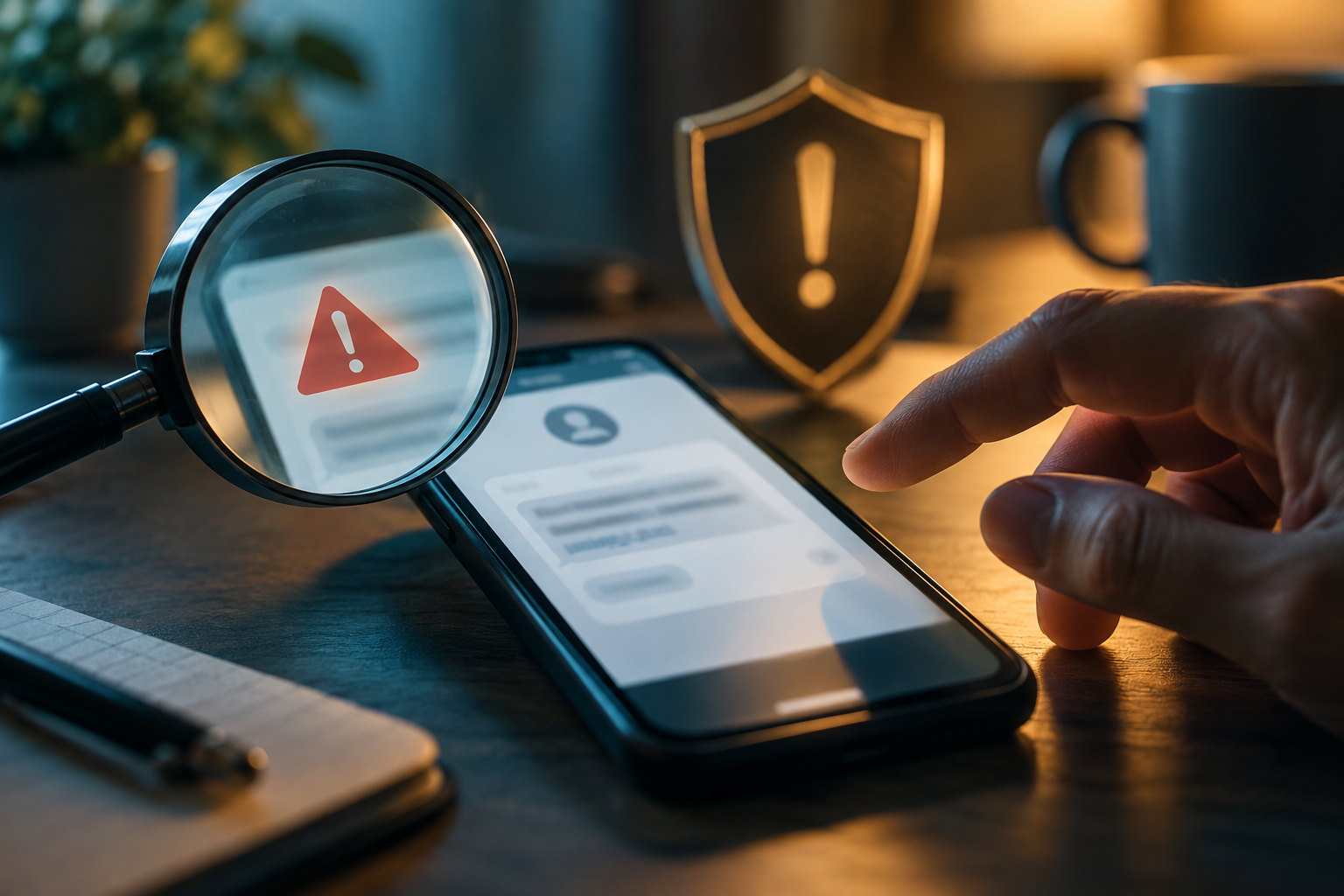
Phishing by email, smishing by text, and vishing by voice have become more polished, but the decision test is still practical: what is the message asking you to do, and can you verify that request through a channel you already trust? Urgency, credential prompts, unusual payment methods, requests for one-time codes, and look-alike login pages remain strong warning signs. A convincing logo, good grammar, caller ID, or familiar voice is not proof. If a bank, employer, delivery service, tax agency, or family member appears to demand immediate action, leave the message and contact the organization or person through a known app, saved number, official website, or a second family channel.
Read the request before you read the branding
Scam messages are designed to make branding do the thinking for you. Ignore the logo at first and identify the requested action: click a link, sign in, send money, buy gift cards, share an OTP, install remote-access software, open an attachment, or move funds “for safety.” Those actions carry the risk. A real organization can still send urgent notices, but legitimate urgency does not eliminate your ability to verify through another channel.
If a message says your bank account is locked, open the bank app yourself. If a package text says a fee is due, navigate to the carrier’s official site. If a manager asks for gift cards, call them on a known number. Breaking the message’s chosen communication path is often enough to expose the scam.
A useful exercise is to ignore the logo and read only the requested action. “Sign in now,” “move money,” “buy gift cards,” “approve this MFA prompt,” or “install this support tool” deserves independent verification even when the message includes your real name and account details. Open the organization’s app or type its known address yourself instead of using the embedded link. The important recognition skill is not spotting bad grammar; sophisticated messages can be well written. It is noticing that the sender is trying to move you from information into an irreversible action without an independent check.
Do not build the next step around the assumption that a familiar display name proves who sent the message. Email display names, caller ID, and text sender labels can be spoofed or made to look familiar. Verify through a channel you choose. Likewise, a message containing personal information is not automatically authentic; exposed data can make scams more convincing. The safest mental model is that branding and personal details are presentation, while the domain, account session, and independently verified contact route are evidence.
Domains matter more than display names
Email display names and link text are easy to fake. On desktop, inspect the actual sender domain and link destination before clicking. On mobile, long-press or use the app’s preview carefully rather than opening. Look for misspellings, extra subdomains, unrelated domains, and URL shorteners that hide the destination. A domain such as `bank.example.scammer-site.com` belongs to `scammer-site.com`, not to “bank.example.”
A password manager can help because it normally fills credentials only on the saved legitimate domain. If the manager refuses to fill a login that looks familiar, stop and inspect the address rather than manually typing the password.
| Request | Why it is risky | Safe verification move |
|---|---|---|
| “Tell me the code we just sent” | The code may authorize the scammer’s login or transfer | Never read an OTP to an unsolicited caller; contact the institution yourself |
| “Move money to a safe account” | Real banks and agencies do not need you to protect funds by transferring them to a stranger-controlled account | End the call and use the number on your card or official app |
| “Pay with gift cards/crypto/wire now” | Fast, hard-to-reverse payment is a core scam pattern | Stop payment and independently verify the supposed debt or emergency |
| “Install this support app” | Remote-access software can give the caller control of your device | Use support reached from the vendor’s official site only |
| “Your package/tax/refund is waiting at this link” | Look-alike pages harvest cards and credentials | Navigate directly to the delivery carrier or government site |
A case worth separating is a real sign-in page reached from a malicious message that asks you to approve a third-party app or permission grant. Changing the password later may not revoke that permission. If the event involved an authorization prompt, review connected apps and consented permissions in addition to sessions and passwords. This is why “I did not type my password” is not always the end of the analysis. The requested action—credential entry, MFA approval, app consent, download, or payment—determines the recovery path.
Voice cloning changes the family-emergency rule
A voice that sounds like a child, parent, executive, or colleague can be synthesized or imitated. Build a family or workplace verification rule before an emergency: call back a known number, ask a question an outsider would not know, or use a private code word for urgent money requests. Do not choose a code word that appears in public social media. The point is to verify identity through information or channels separate from the incoming call.
For business payment changes, require a second-person callback to a vendor number already on file. A perfectly written email from a compromised vendor mailbox can be more dangerous than a badly spelled spoof because the sender account itself may be real.
MFA prompts and passkeys can expose the scam early
Never approve an MFA prompt you did not initiate. Repeated prompts can be an MFA-fatigue attack. If a caller asks you to read a code “to verify you,” assume the code may actually be authorizing their login. Passkeys and security keys are safer because they bind authentication to the correct website origin and are designed to resist credential phishing.
A real sign-in page can still lead to a malicious permission grant
A newer phishing pattern does not always steal the password at all. In a September 1, 2026 public-service announcement, the FBI’s IC3 described OAuth consent phishing in which a target is sent to a legitimate provider’s permission screen and is tricked into authorizing a malicious application to read mail, files, or other account data. The domain can therefore look genuine while the requested app and permissions are the danger. Before approving a third-party app, verify who published it, why it needs each permission, and whether you initiated the connection. An unexpected request to let an app read or send email, access files, or act on your behalf deserves the same stop-and-verify treatment as a password prompt.
- □ Identify the action requested before trusting the sender name, logo, caller ID, or voice.
- □ Open the known app or website independently instead of following an unexpected sign-in link.
- □ Never disclose one-time codes, backup codes, recovery keys, or full card details to an unsolicited caller.
- □ Verify payment or bank-detail changes through a separate known channel.
- □ Use password managers, passkeys, and strong MFA to reduce the damage of look-alike login pages.
- □ Report impersonation to the company being impersonated and to FTC/IC3 when appropriate.
What a legitimate message can still look like
Real organizations sometimes send links, fraud alerts, password-reset notices, and urgent service messages. The safe behavior does not require you to decide from appearance alone whether the message is real. It requires you to recreate the action through a trusted route. If the alert is genuine, the same problem should normally be visible in the real app or account dashboard. This “independent re-entry” rule scales better than memorizing every current scam template.
If the message already has personal details, do not treat that as authentication
Data breaches and data brokers make names, addresses, relatives, employers, and partial account information easy to obtain. A scammer who knows your last four digits or recent address may still be a scammer. Do not answer extra “security questions” simply because the caller already knows some data. Contact the real organization and ask what, if anything, is happening on the account.
Recognition is a pause skill, not a paranoia skill
The goal is not to distrust every email or call. It is to insert a reliable verification step before high-impact actions: credentials, money, software installation, identity documents, or account recovery. When the action is low risk, normal communication can continue. When the action is high risk, use a known channel. That rule remains effective even as phishing language, graphics, and synthetic voices improve.
Questions specific to Recognizing Phishing, Smishing, and Vishing in 2026
Can I tell phishing by bad grammar anymore?
Poor grammar can be a clue, but polished language is common now. Focus on the requested action, domain, payment method, credential demand, and whether you can verify the request independently.
What if the caller ID shows my bank?
Caller ID can be spoofed. End the call and contact the bank using the number on your card, official app, or known website.
Why should I never read an OTP to a caller?
The code may be authorizing the caller’s login, password reset, or transaction. Real support processes should not require you to hand an unsolicited caller the code that proves control of your account.
How do I verify a family emergency if the voice sounds real?
Call back a known number, use a family verification phrase, or ask a private question. Synthetic voice makes sound alone an unreliable identity check.